

For every custom field, an enricher is mandatory and one of the options is the Hardcode Enricher. To know more about this enricher, refer to Hardcode Enricher. Perform the following steps to configure the enricher:Documentation Index
Fetch the complete documentation index at: https://zeotap-migration1.mintlify.app/llms.txt
Use this file to discover all available pages before exploring further.
Note:You cannot save the catalogue with custom fields, without applying an enricher. Once you have added this enricher, you cannot edit it.
Click +ADD A CUSTOM FIELD for which you want to add the Hardcode enricher. You can add multiple custom fields as per your requirement.
Under the Hardcode Values section make the appropriate selection to ensure that the value matches the data type of the mapped field.
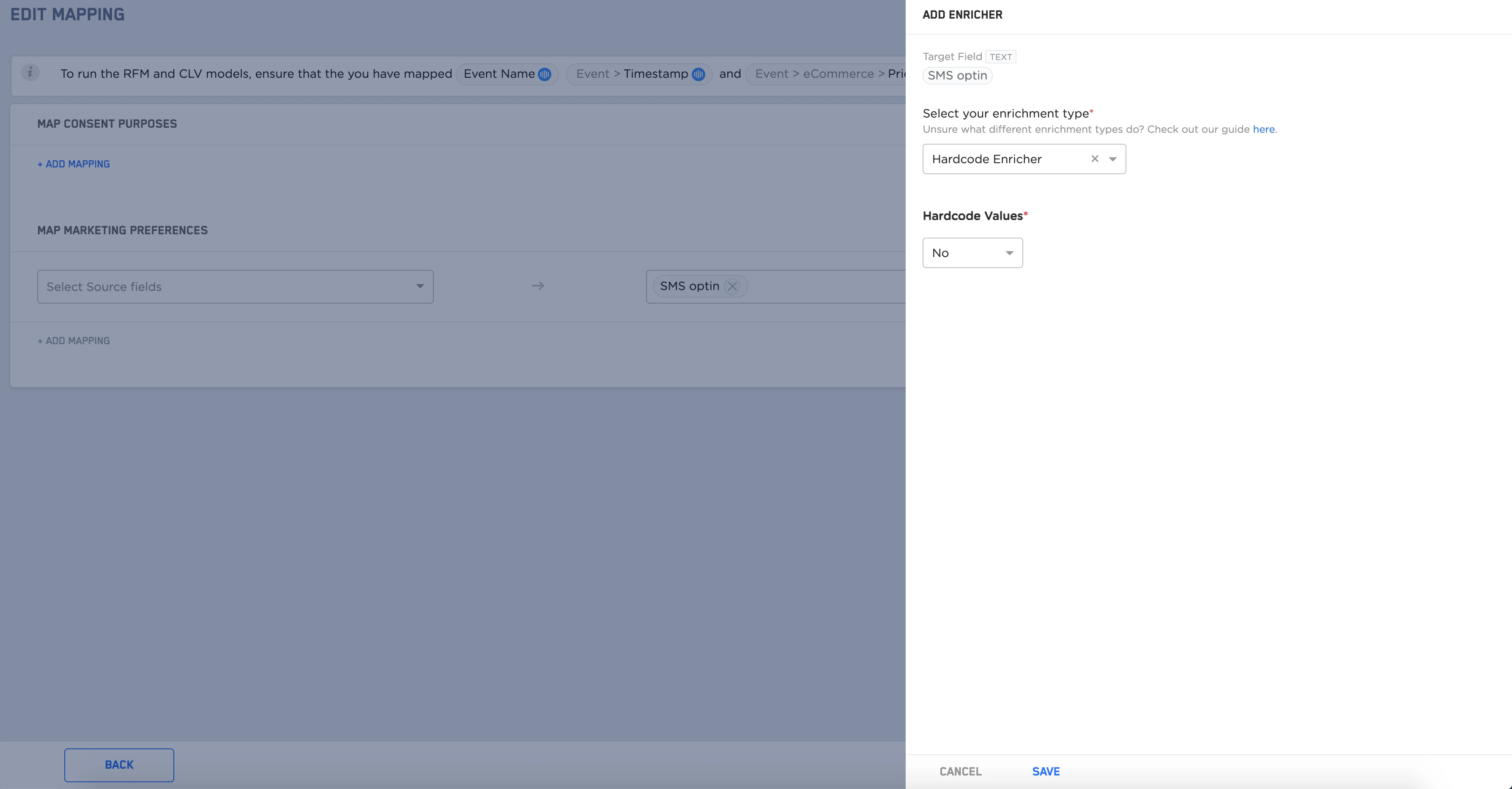
No. In this example, you can define a custom field and map it to the SMS optin target field in the mapping catalogue section for the marketing preference section and add a hardcode enricher with the value set as No.