

Click the Edit Mapping option in either PREVIEW DATA or CATALOGUE MAPPING to modify the mapping of an existing source. You can use this option particularly for addressing issues like mapping the wrong field or incorrectly mapping a field with the wrong data type, which can lead to ingestion failures.Documentation Index
Fetch the complete documentation index at: https://zeotap-migration1.mintlify.app/llms.txt
Use this file to discover all available pages before exploring further.
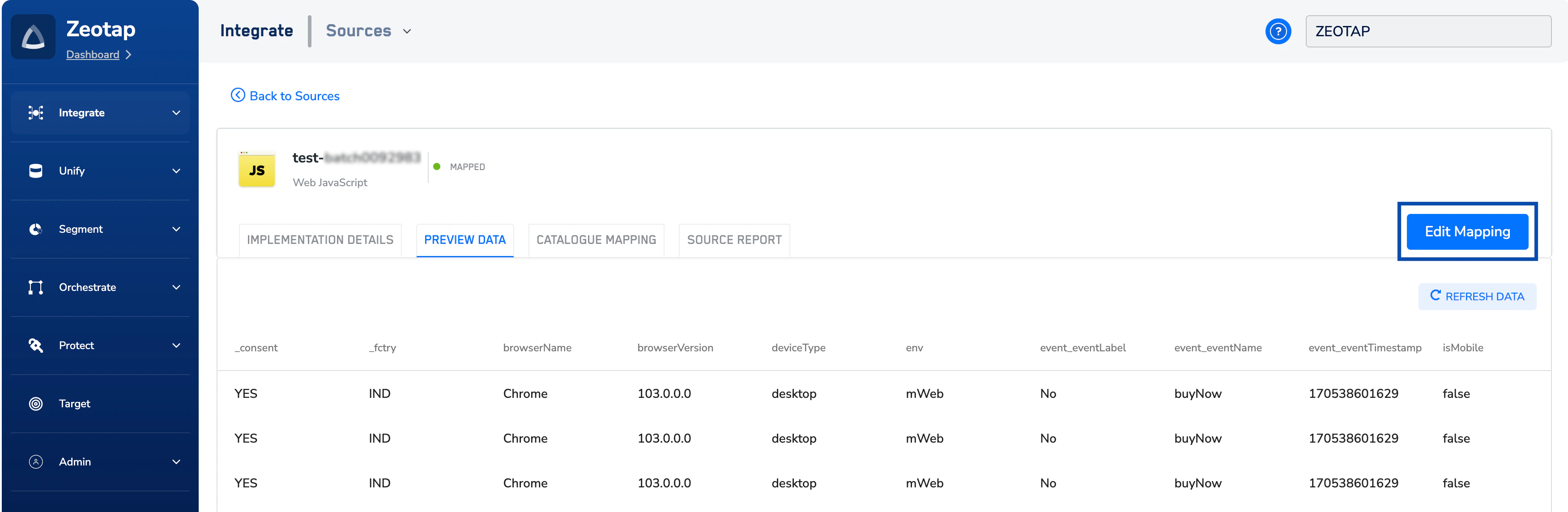
Note that the data ingested before editing the mapping is unaffected. However, once you save the new mapping, the data ingestion occurs as per the new mapping.
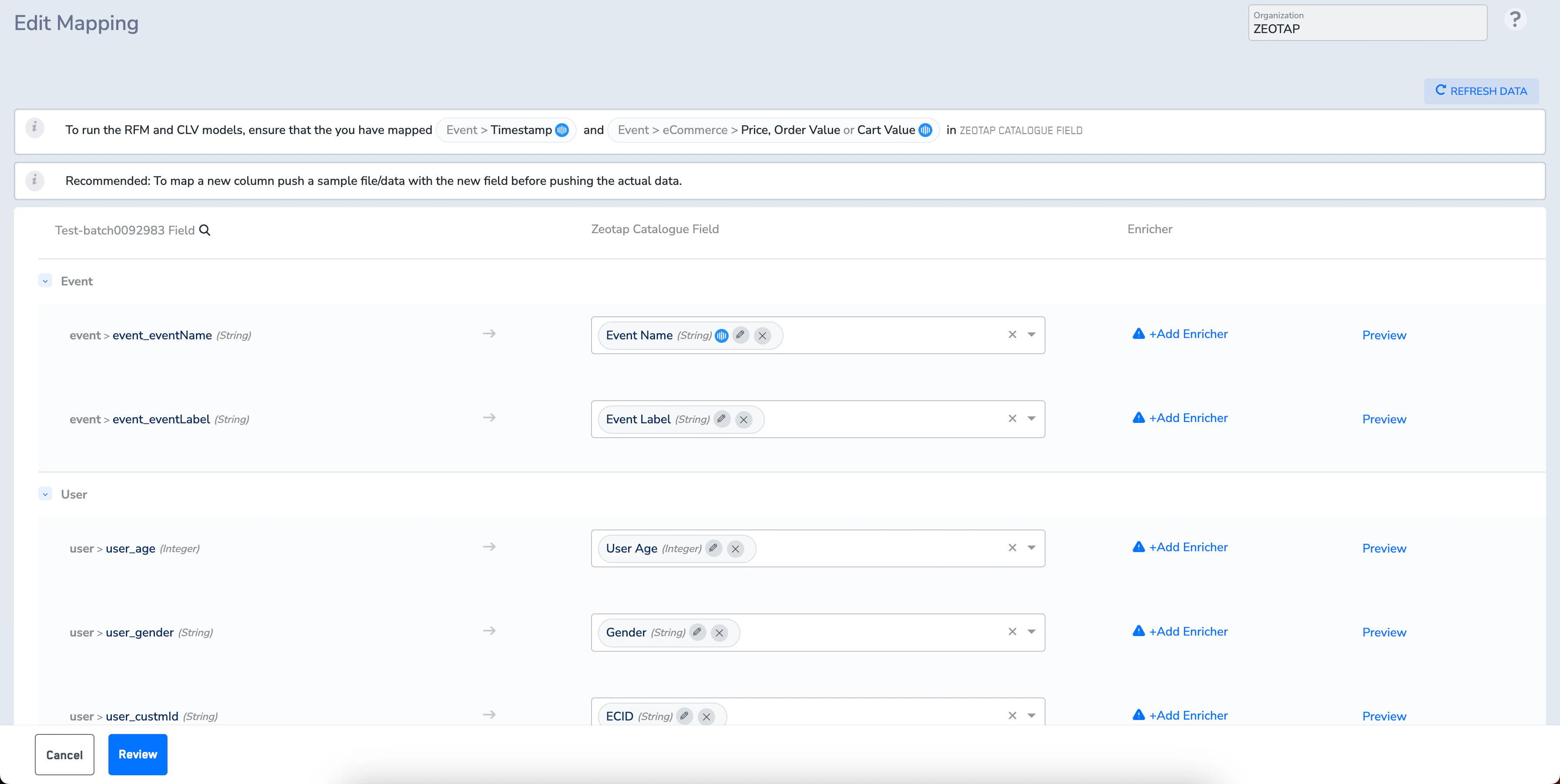
Edit Display Name for Catalogue Fields
You can edit the display names of the Catalogue fields by using the edit icon against the particular Catalogue field as shown in the image below.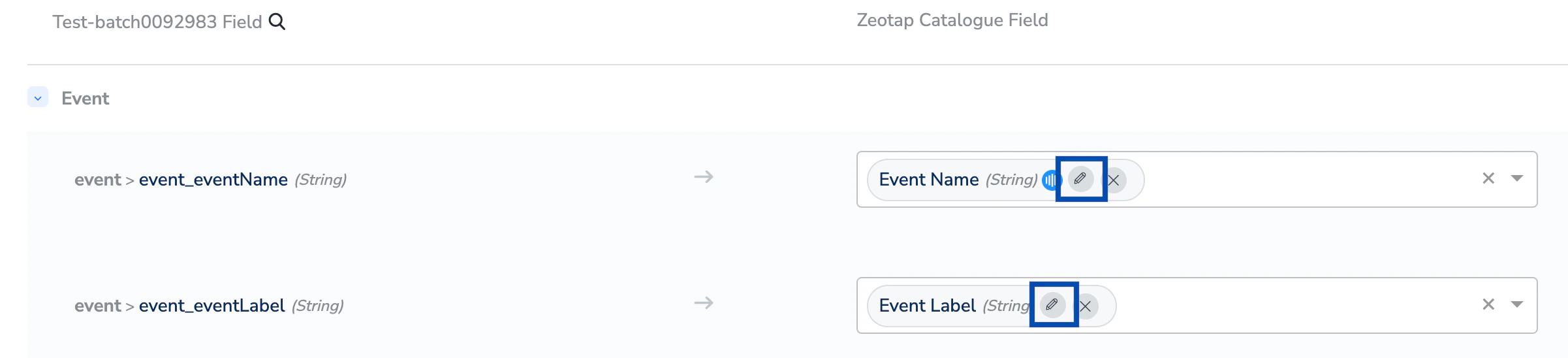
email to Primary Customer Email to enhance clarity and align with your business attributes. In addition, you can use the modified attribute for activation across the downstream modules.