Documentation Index
Fetch the complete documentation index at: https://zeotap-migration1.mintlify.app/llms.txt
Use this file to discover all available pages before exploring further.
Perform the following steps to create an Insider source:
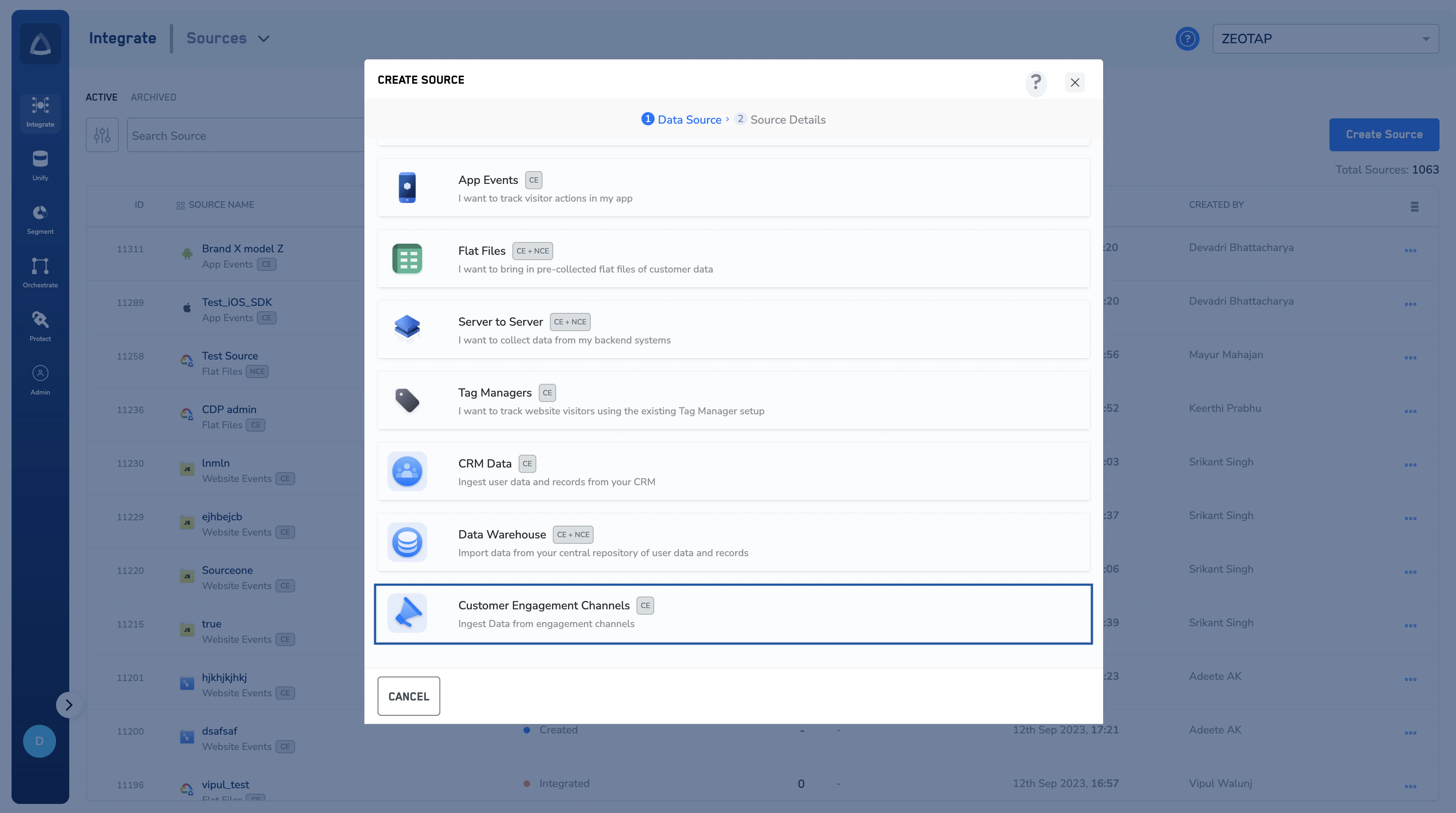
Log into the Zeotap CDP App and navigate to the Sources application under Integrate.
Choose Customer Engagement Channels as the Category. Click Insider Webhook as the Data Source. Enter a name for the source.
Select a Region using the option button provided. Click CREATE SOURCE. Upon successful creation, an API URL and a write_key is generated and is available under the IMPLEMENTATION DETAILS tab as shown in the image below. The API URL and the write_key are essential to complete the integration.