Documentation Index
Fetch the complete documentation index at: https://zeotap-migration1.mintlify.app/llms.txt
Use this file to discover all available pages before exploring further.
Perform the following steps to create a Braze Currents source
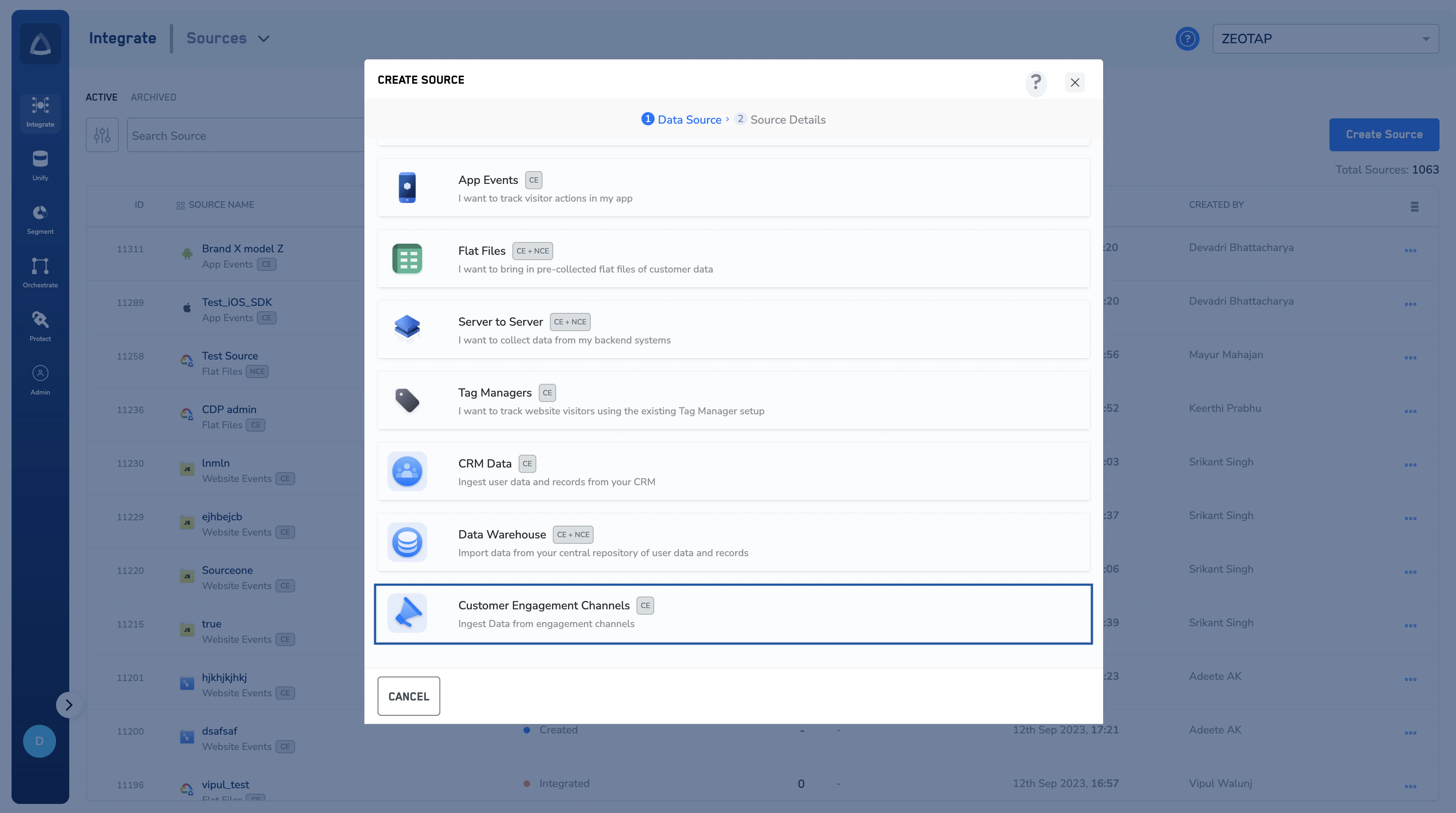
Log into the Zeotap CDP App and navigate to the Sources application under Integrate.
Choose Customer Engagement Channels as the Category. Click Braze as the Data Source. Enter a name for the source.
Select a Region using the option button provided. Click CREATE SOURCE. Upon successful creation, an API URL and a write_key is generated and is available under the IMPLEMENTATION DETAILS tab as shown in the image below. The API URL and the write_key are essential to complete the integration.