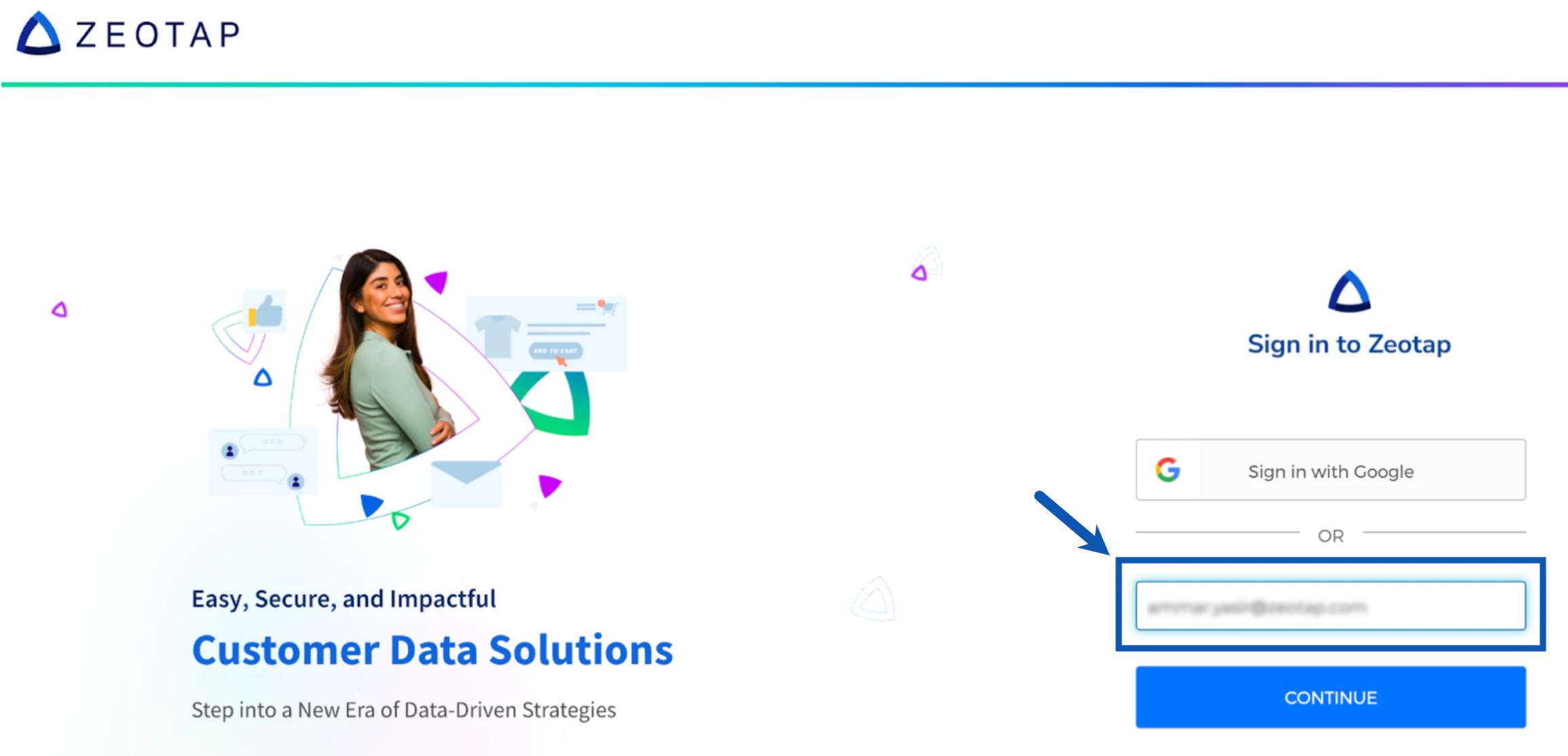
To make your first login to the Zeotap CDP account using the welcome link you received after subscription, perform the following steps:Documentation Index
Fetch the complete documentation index at: https://zeotap-migration1.mintlify.app/llms.txt
Use this file to discover all available pages before exploring further.
To begin with, ensure that you have received the welcome email with the FINISH SIGNUP link from Zeotap CDP. If you cannot find the email, check your spam folder or contact the Zeotap support team at support@zeotap.com.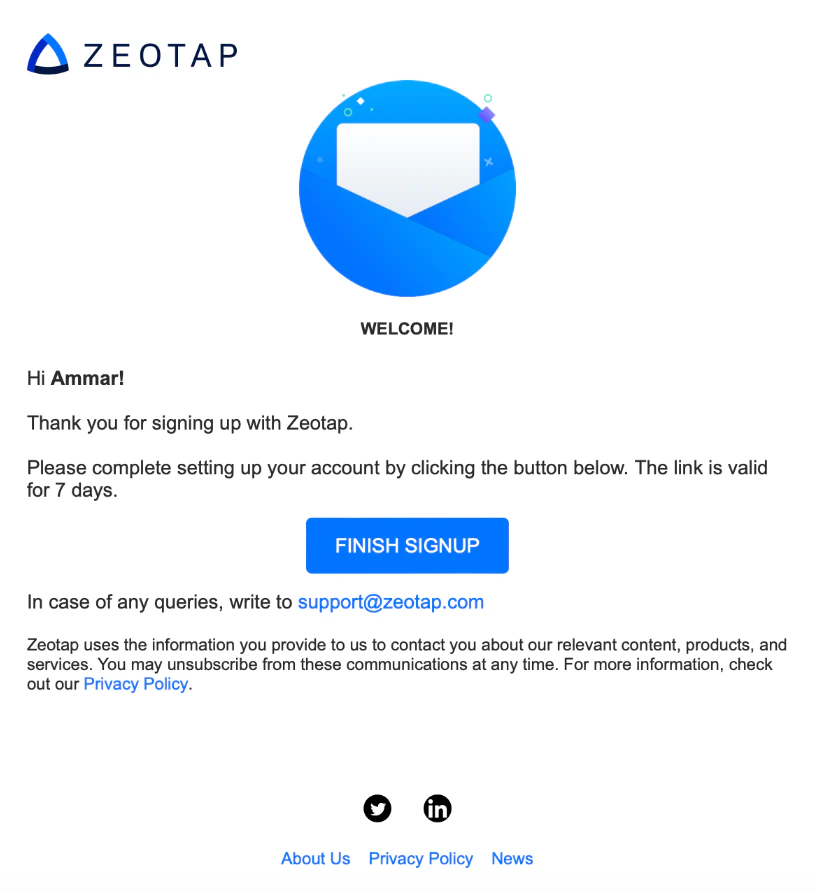
Set a new password for your Zeotap CDP account. Ensure your password meets safety standards as mentioned in the image below.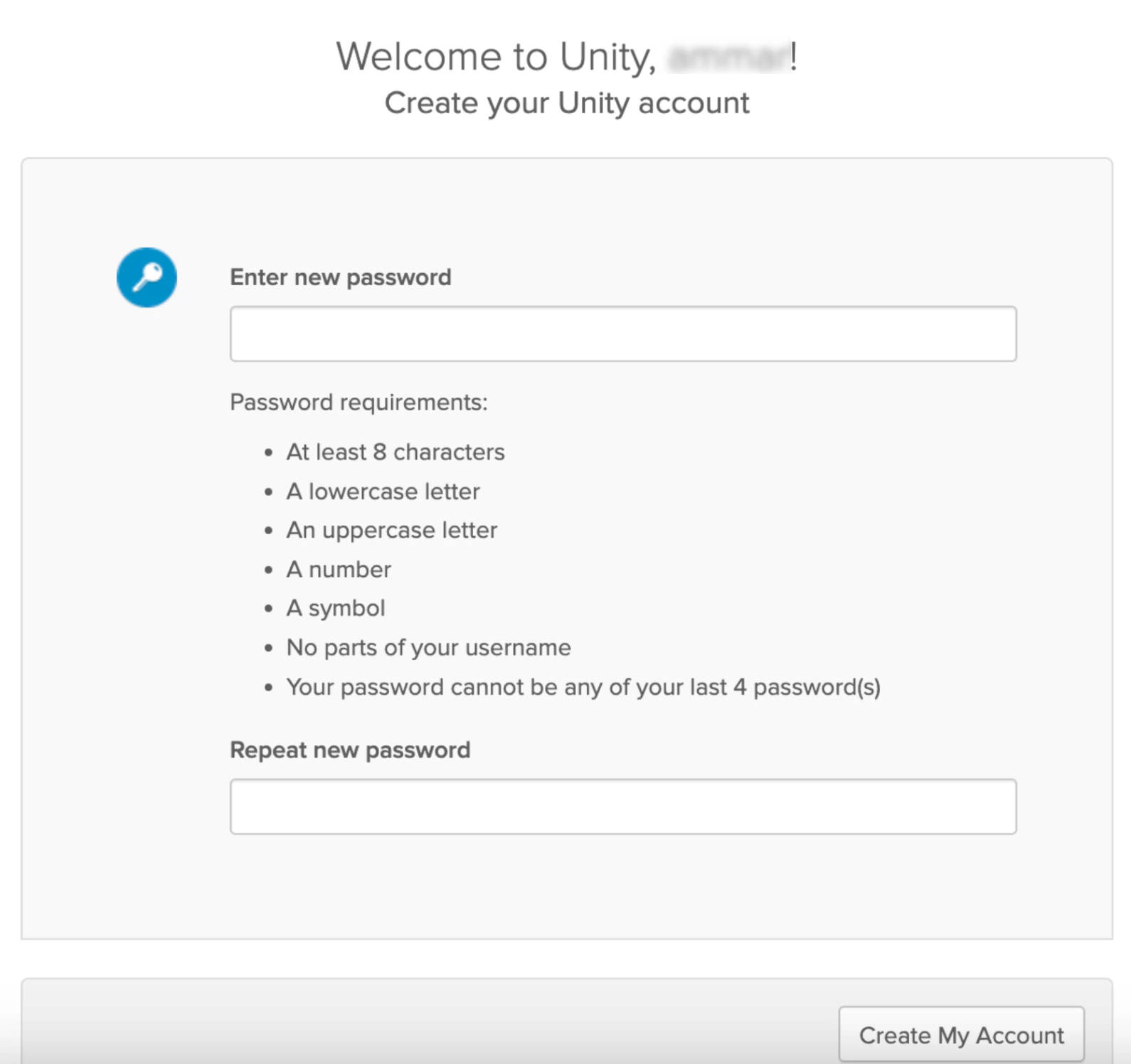
Click Create My Account to complete the account setup. After successfully creating your account, you will be automatically redirected to app.zeotap.com. If redirection does not occur, manually navigate to app.zeotap.com.